 Lumenkorn
Features
Everything Lumenkorn does happens on your computer. The AI features are optional and work offline once the models are downloaded.
Library
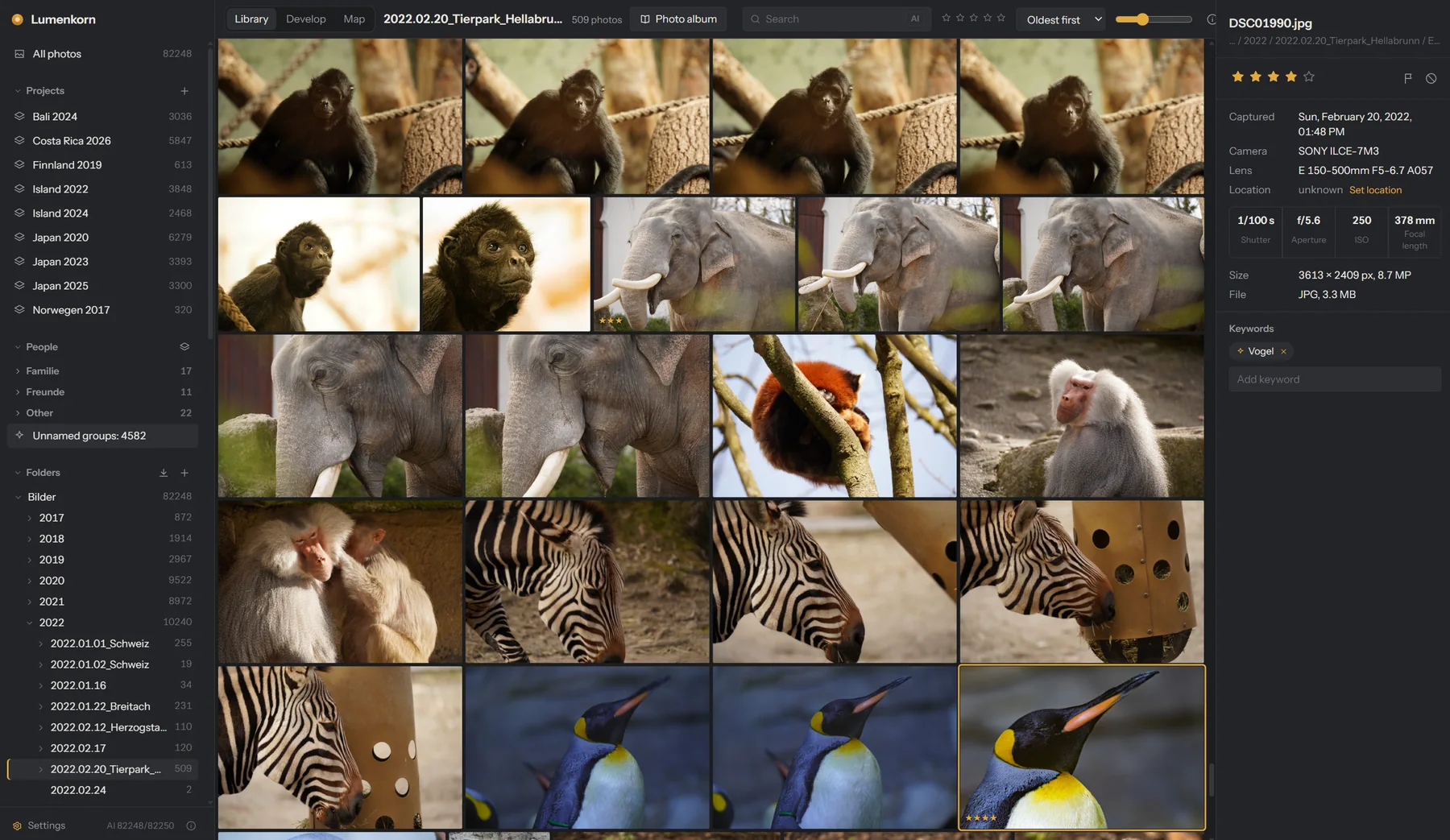
- Folders are read where they are. Nothing is copied or moved unless you import from a memory card.
- Import from a card sorts photos into dated folders (
2025\2025.10.03_Occasion), renames them by capture time and checks every copy byte by byte before the card can be cleared. A wrong camera clock can be corrected on the way. - New, changed, renamed and moved files are picked up automatically. Moved files are recognized by their content, so ratings, keywords and edits stay with the photo.
- Projects gather any number of folders, also across drives.
- Stars, pick and reject flags, keywords, and a search over file names, folders, camera, lens, keywords, people and places.
- Culling: reject and move on with one key, then send all rejected photos to the trash in one step.
- Compare up to 12 photos side by side with linked zoom.
- JPEG, PNG, TIFF, WebP, OpenEXR and RAW files from Canon, Nikon, Sony, Fujifilm, Panasonic, OM System, Pentax, DNG and more.
Develop
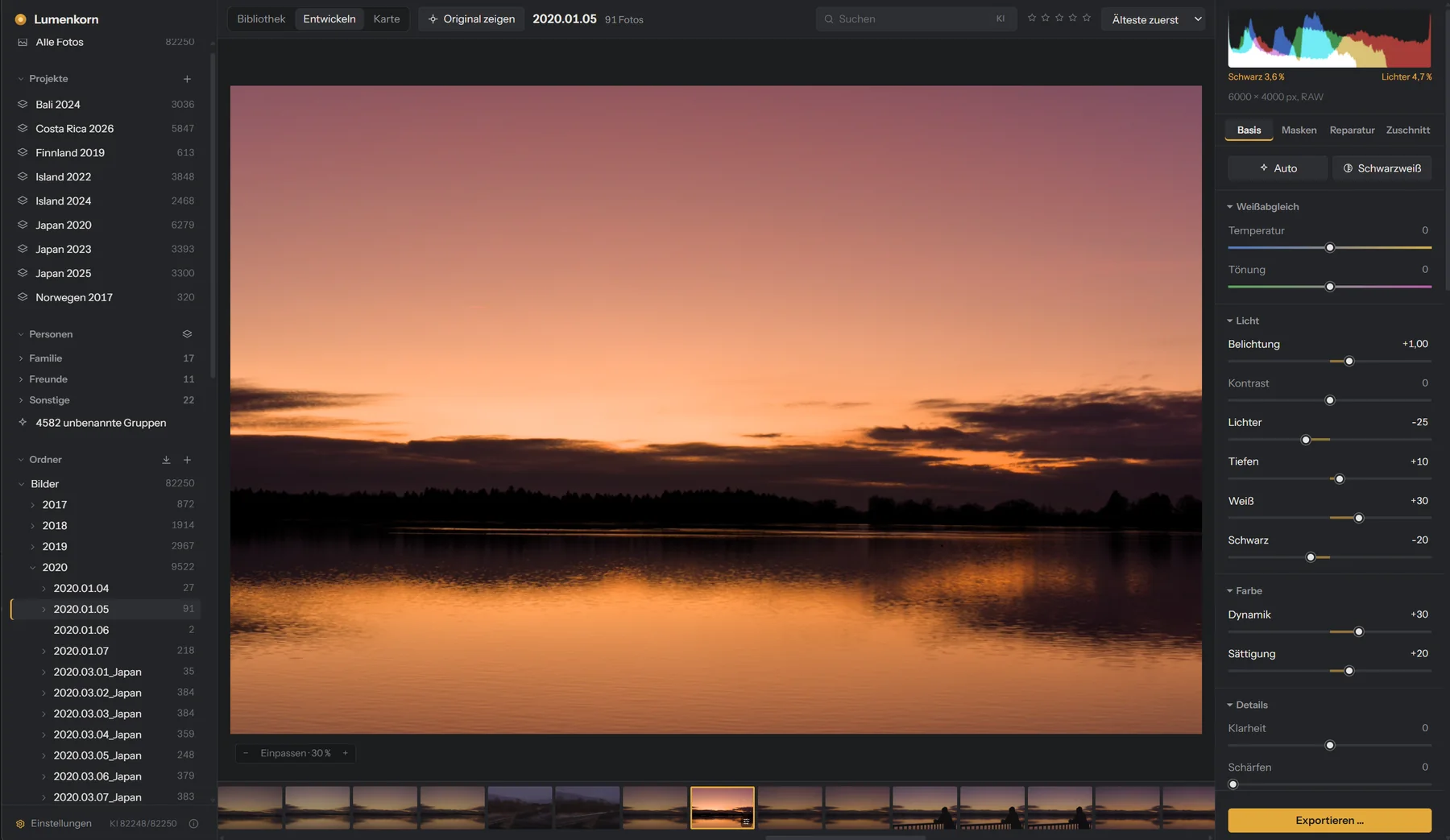
RAW files are developed following darktable's scene-referred workflow, translated to Rust: highlight reconstruction, demosaicing, color calibration and sigmoid tone mapping. Every edit is a small set of settings; the original file is never changed.
- White balance, exposure, contrast, highlights, shadows, whites, blacks, clarity, dehaze, vibrance, saturation and sharpening.
- HSL for eight color ranges with an eyedropper, color grading with wheels, and a tone curve for RGB and each channel.
- Black & white with its own gray mix.
- Lens correction for distortion, color fringes and vignetting, from the camera's own data or from Lensfun profiles for about 1,500 lenses.
- Crop, rotate and straighten with automatic horizon detection.
- Local adjustments: gradients, brush, color range and AI masks.
- History with undo, snapshots, and copying settings to many photos at once.
- Export to JPEG, 16-bit TIFF or PNG.
- The whole pipeline also runs on the graphics card (DirectX 12 or Vulkan), so sliders react right away. Without a suitable GPU the CPU takes over.
Auto in your style
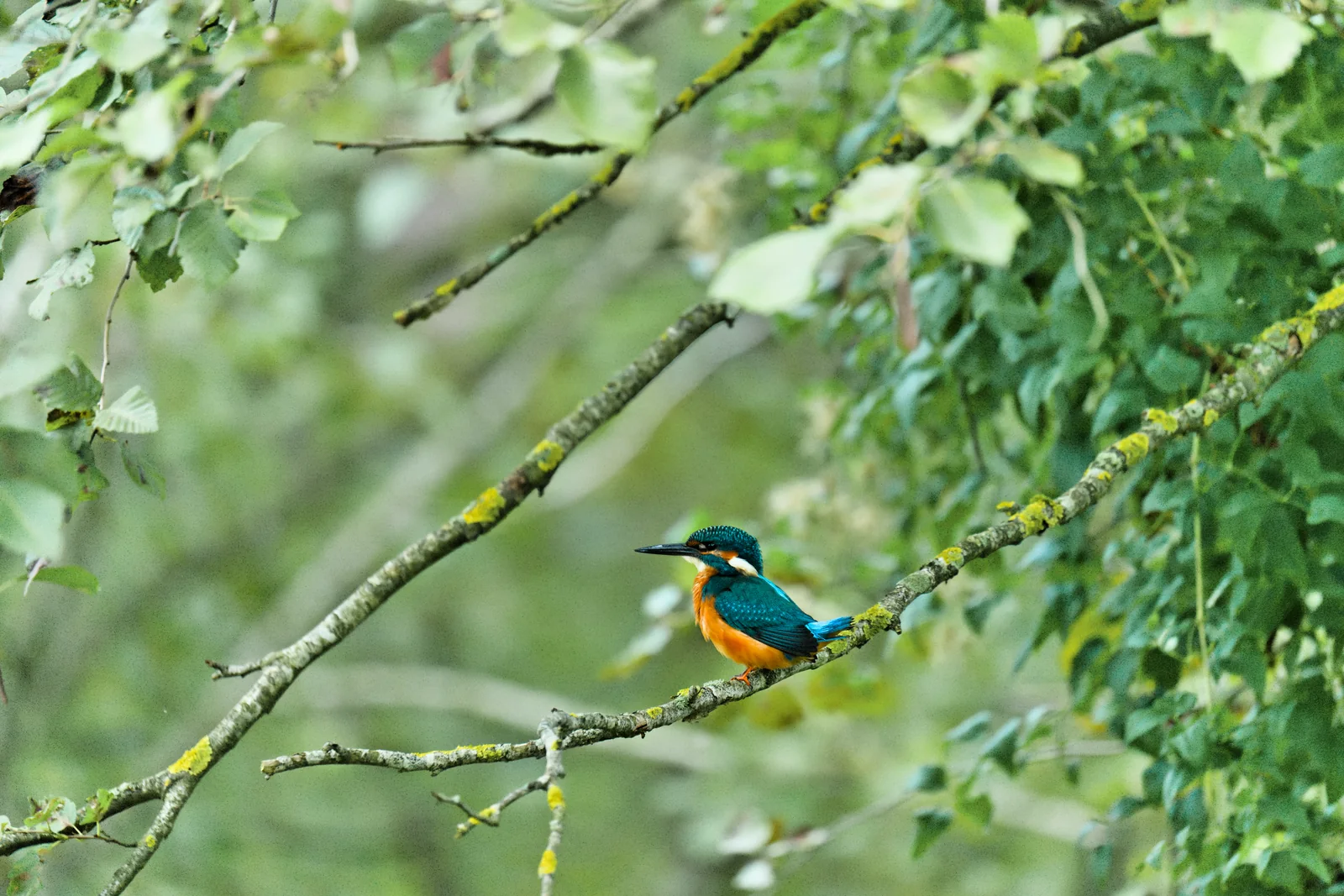
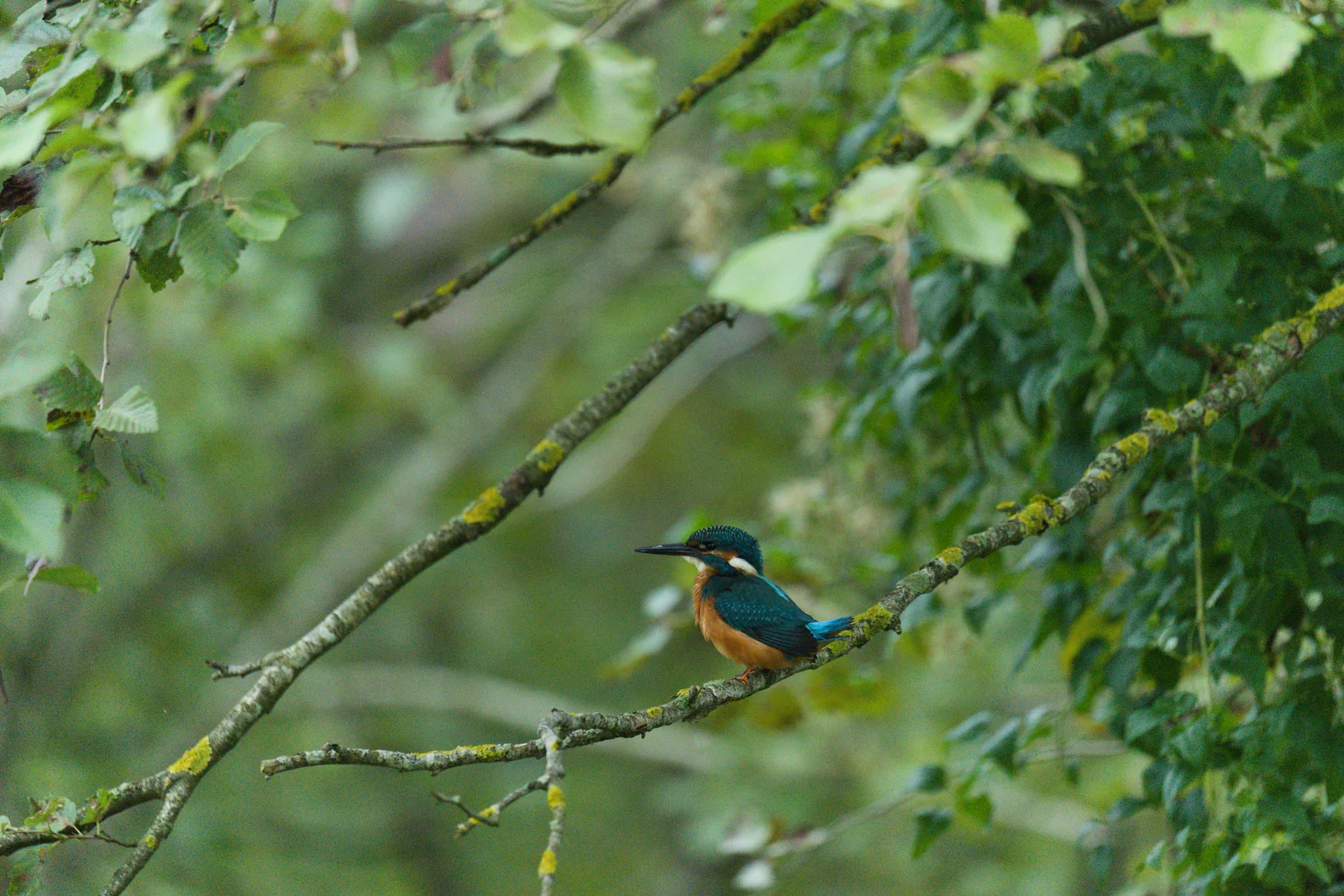
Auto sets the tone sliders for a balanced result. Over time it learns how your own edits differ from its suggestions, separately for each camera and for RAW and JPEG:
- From about 10 to 20 edits per camera: a fixed adjustment, such as “blacks −12”.
- From about 50: depending on how bright the photo is.
- From about 300: from photos with similar subjects.
A slider is only adjusted when that demonstrably brings Auto closer to your results. What has been learned can be viewed, switched off or reset in the settings, and it never leaves your computer.
AI
All AI features use open models that are downloaded once, on request, and then run offline on the CPU or the graphics card (AMD, NVIDIA and Intel). Everything else in Lumenkorn works without them.
Masks
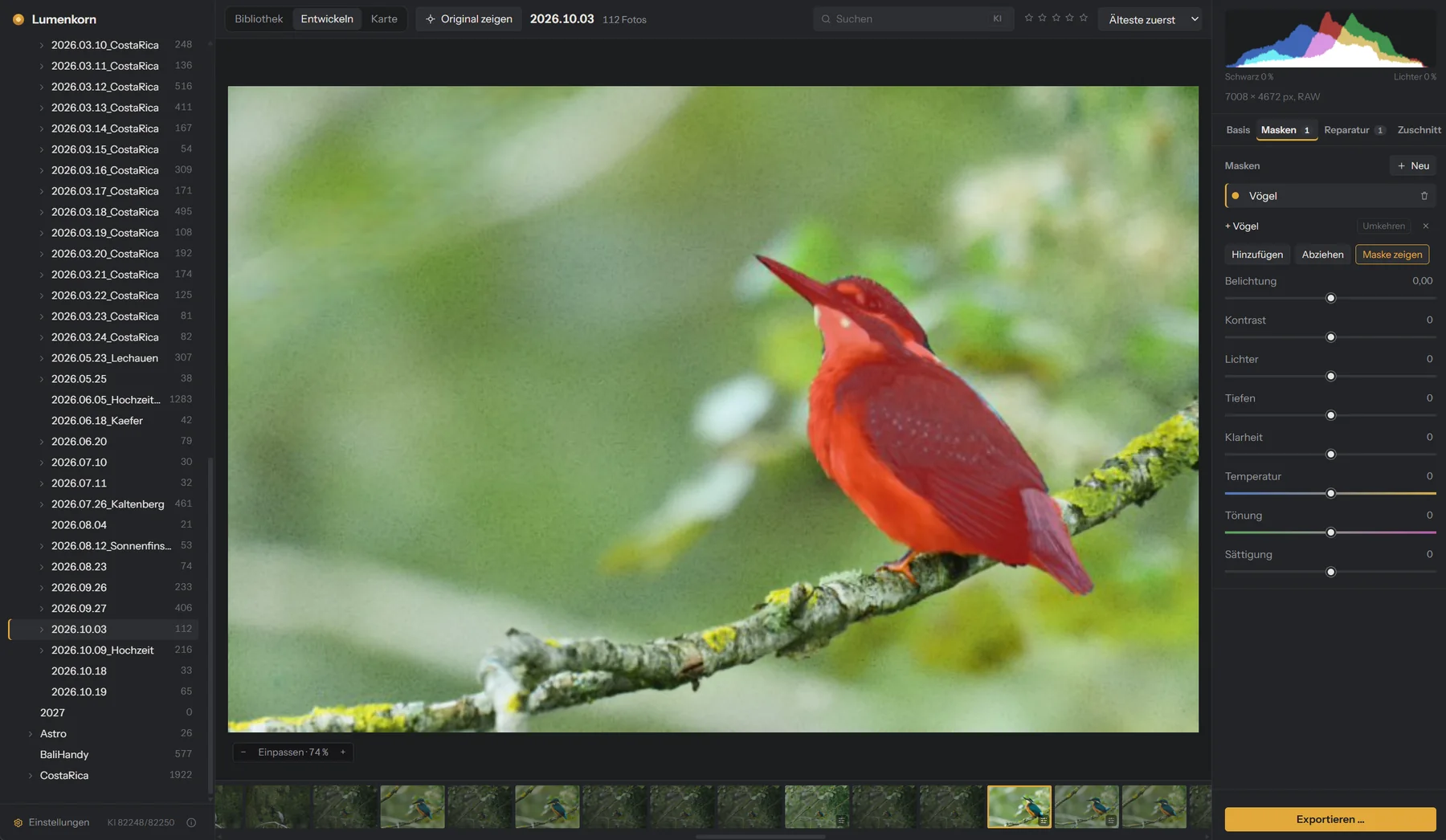
Masks for the main subject, the sky, people (whole, or parts such as hair, eyes, lips or skin), animals and any object you click on. Masks can be added to and subtracted from each other.
Noise reduction


Removes noise while keeping fine detail such as feathers. Color noise gets an extra pass. AI repair removes dust spots, power lines, signs or people.
Keywords and search by content
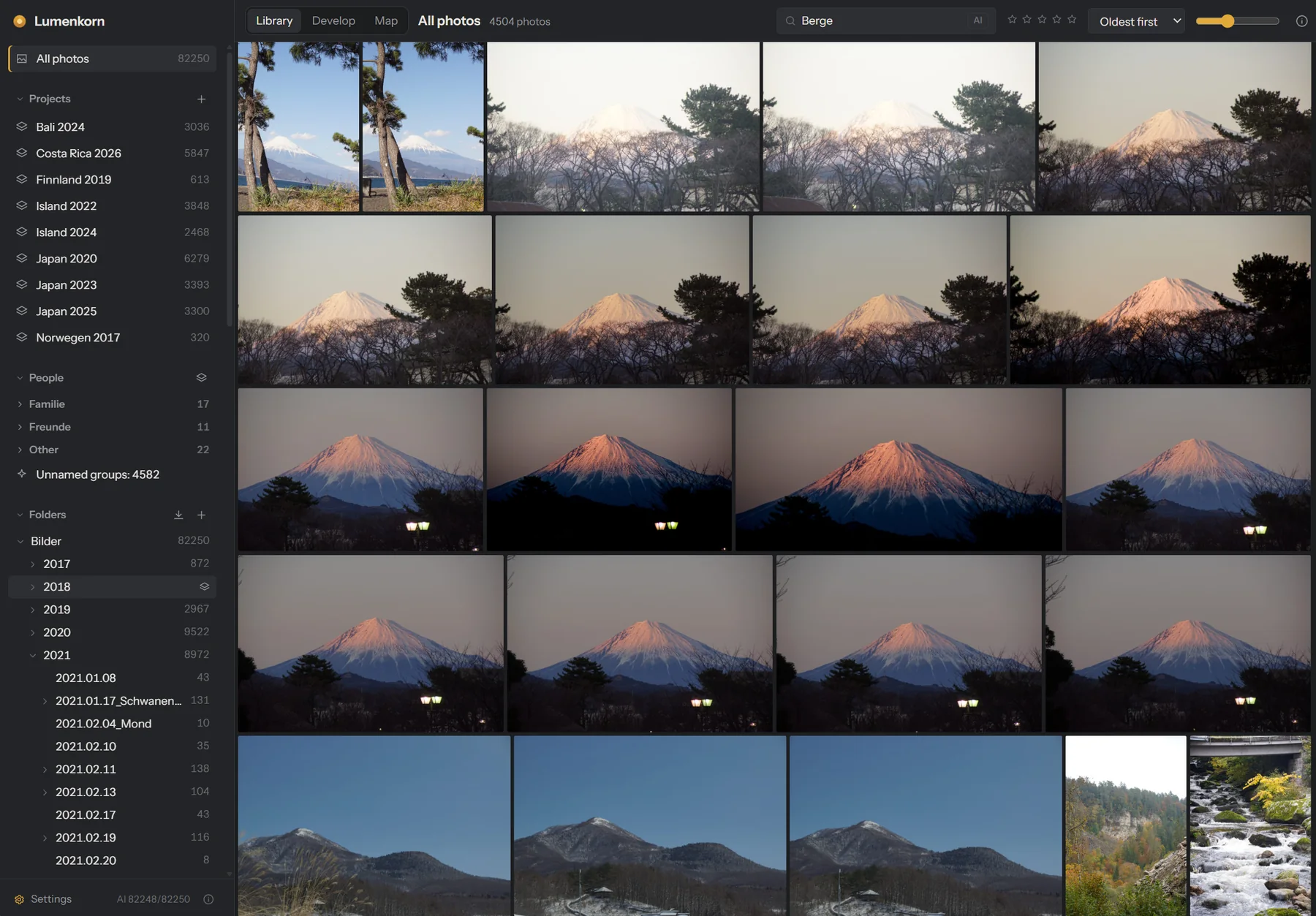
Lumenkorn suggests keywords for place, subject, light, weather and style, and finds photos by what is in them: type “mountains” and you get mountains, whether or not anyone tagged them.
People
Faces are found and grouped in the background. Once you have named a few, Lumenkorn suggests names for the rest, and you can sort people into your own groups such as family and friends.
Map
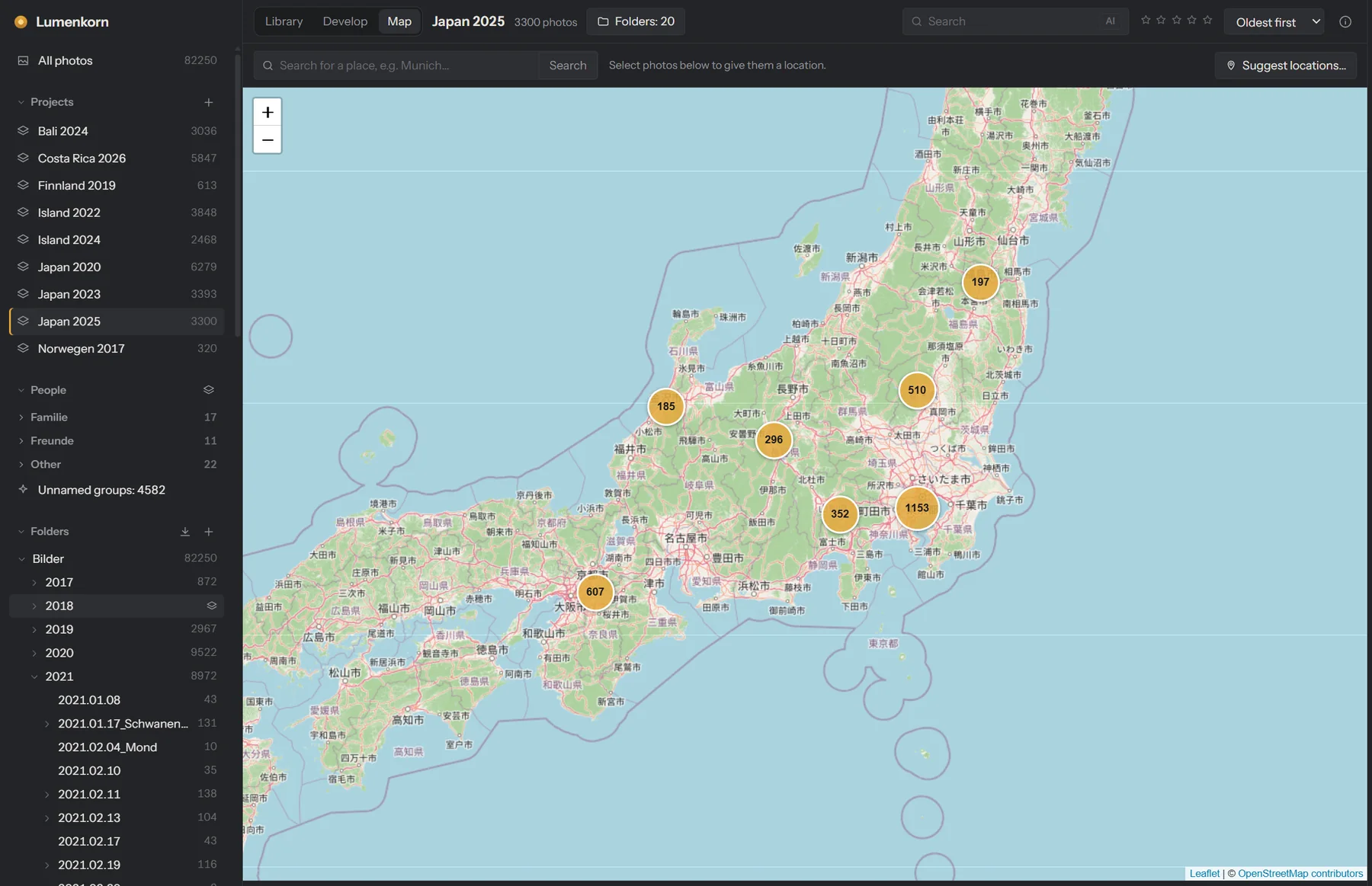
- Shows the photos of the current folder, project or search on an OpenStreetMap map.
- GPS data from camera or phone is read automatically. Photos without a location get one by search, by dragging them onto the map, or from a phone photo taken a few minutes earlier.
- Every location gets a place name, and the search finds it.
- The map is the only feature that needs the internet, and it can be switched off completely (see Privacy).
Photo album
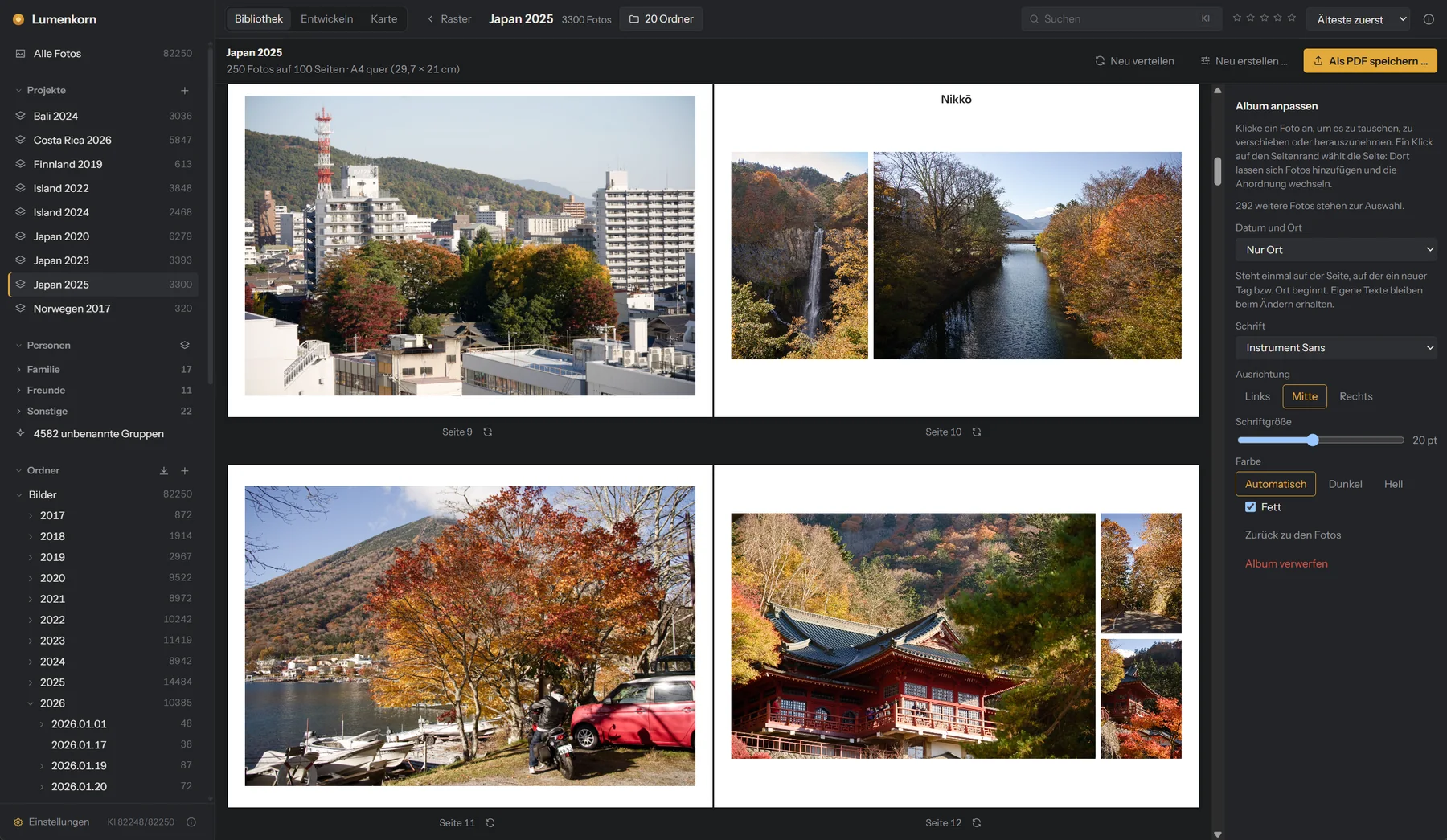
Turns a project or folder into a photo book. Pick a theme (travel, wedding, family, nature and more, or describe your own), a page size and the number of photos.
- Lumenkorn picks sharp, well-exposed photos, counts bursts and near-duplicates only once (unless different people are in them) and always includes your 4 and 5 star photos.
- Pages are filled in time order with the layout that crops least.
- Date and place appear where a new day or place begins. Add your own texts anywhere.
- An optional map page shows the countries you visited and a pin for every place, with cities, mountains, rivers and lakes. It is built in and needs no internet.
- Swap, move and remove photos, change layouts, then save a print-ready PDF (300 dpi, with bleed) and every page as a JPG.
More
- HDR, panorama and focus stacking from several photos, handheld. The result is a 16-bit file that you develop like a RAW.
- Keyboard shortcuts for almost everything, and you can change them.
- AI agents such as Claude or ChatGPT can operate Lumenkorn through a built-in MCP interface, if you switch it on. They can search, rate, develop and export, but never delete.
- Updates are offered inside the app and checked by signature.
- Interface in English and German.
The README on GitHub describes every feature and how it works inside in more detail.